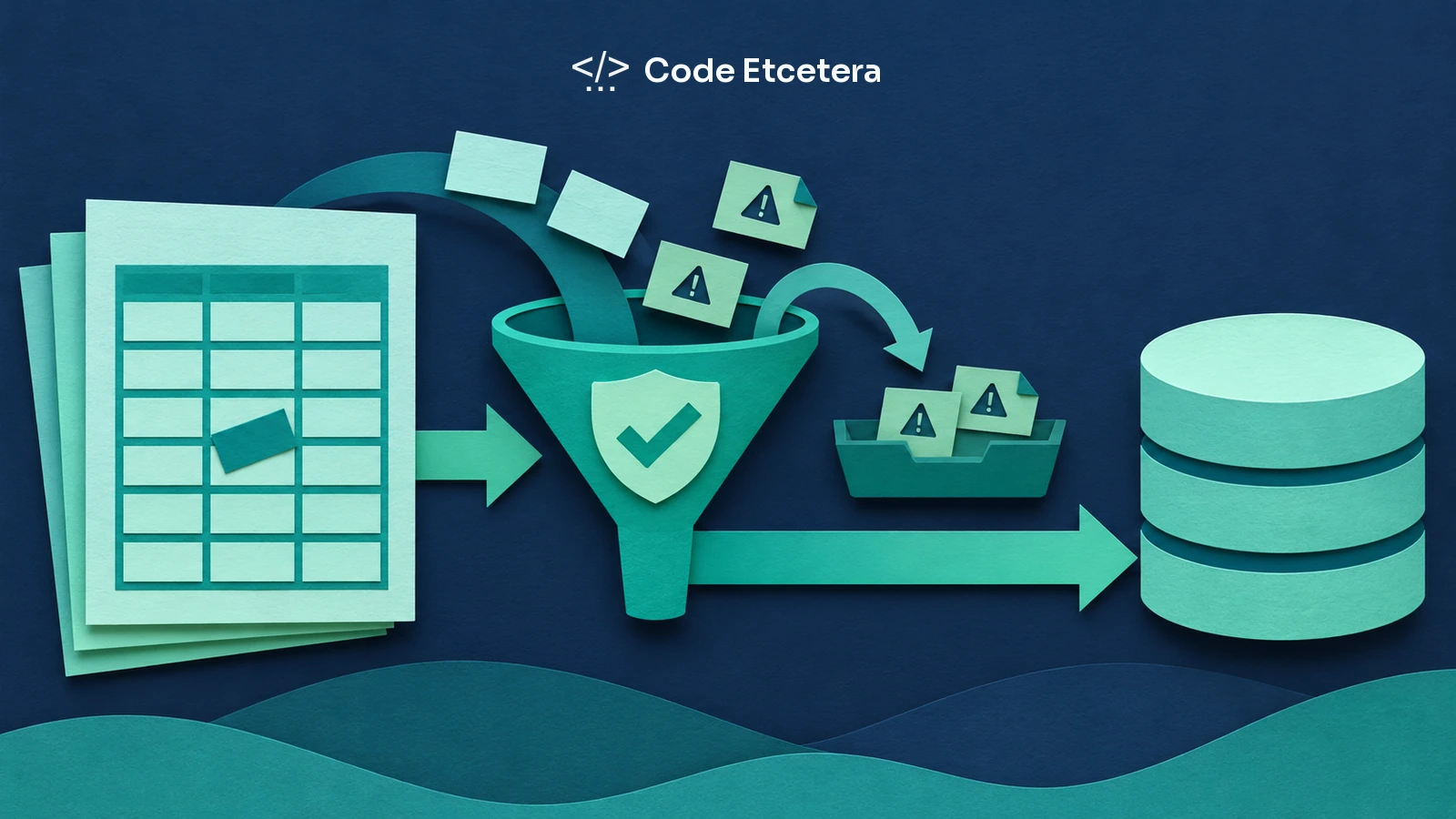
A supplier sends a price list on Monday. Your team uploads it to the ordering app and discovers that several SKU codes lost their leading zeros in the spreadsheet. Some prices failed to update, and nobody knows which ones. The upload took seconds. Checking the catalog took the rest of the morning.
Safe CSV imports give a small business a way to move spreadsheet data into a custom application without making every upload a cleanup project. A practical first version lets staff preview changes, correct errors by row, and see exactly what happened after they confirm.
Start with one CSV template and one business owner
Choose a file your team already handles regularly, such as a supplier price list or a product catalog. Ask the person who fixes spreadsheet problems to bring a normal file and one that failed. Together, decide which columns are required, which system owns each field, and what a blank cell means. For a price update, a blank price should trigger a row error. For an optional note, it might mean “keep the existing value.”
Give staff a downloadable template with example values. Treat identifiers such as SKUs and postal codes as text, document the date and number formats, and choose a stable key, such as supplier ID plus SKU. For the first release, decide explicitly whether the file may create items or only update known ones. If ownership is unclear, start by deciding which system owns each field.
Preview the CSV before writing to live data
The import screen should show what the file would do while live records are still untouched. For example, a 250-row file might show 210 price updates, 31 unchanged rows, and nine rejected rows. Show the old and new price on changed rows and let staff download a report with the source row number and the correction each rejected row needs.
- Reject a file with missing headers or an unreadable format. Those errors make the rest of the rows unsafe to interpret.
- Flag invalid values and duplicate keys by row. If two rows propose different prices for the same SKU, identify both for review.
- Choose whether partial imports are allowed. For prices that must take effect together, block confirmation until every row is valid. For independent updates, confirm only the accepted rows and keep the rejected ones visible.
An Angular screen can present the preview and correction report. A Spring Boot service can own the parsing and validation rules so the same checks run even if the browser is closed or a second tool uses the import later.
Make confirmation safe to retry
Save the original upload and its validation result as a batch with a unique ID. Confirm against that saved batch, and recheck relevant records before committing if someone could have changed them since the preview. Use a database uniqueness rule for the stable key and record completion against the batch. If someone double-clicks Confirm or reloads after a timeout, show the batch’s current state instead of starting a second import.
Record who confirmed the batch, when it ran, and what was inserted, updated, skipped, or rejected. For higher-impact fields such as pricing, keep before-and-after values where appropriate. Agree on how to correct a bad batch, including how to avoid overwriting any valid changes made after it ran.
Run a pilot with the files that cause trouble
Test the first import with the staff who use it. Include a clean file, a missing header, a duplicate SKU, a leading-zero identifier, and a second confirmation after a simulated timeout. Give the operator the correction report and see whether they can fix the bad rows without developer help.
Compare the time to complete a routine update, the number of rows fixed by hand, and how often a developer has to intervene. If those numbers improve, use the next batch of real files to decide whether another template or a direct API integration is worthwhile.
Scope your first import with Code Etcetera
If your team repeatedly cleans up spreadsheet uploads or enters the same data twice, bring a sample file to Code Etcetera. We can help you choose validation rules and scope a small import workflow around the people who run it. Explore our custom software and integration services to see where that work fits.